Your next PR move.
See the workflow.
From a research candidate to a reviewed draft and a client report. Real RunPR screens, with clearly labeled sample data.
Find the next move
Start with the client. Review the story, reporter context and supporting evidence before deciding whether to develop an angle. Save a candidate or mark it Not a fit.
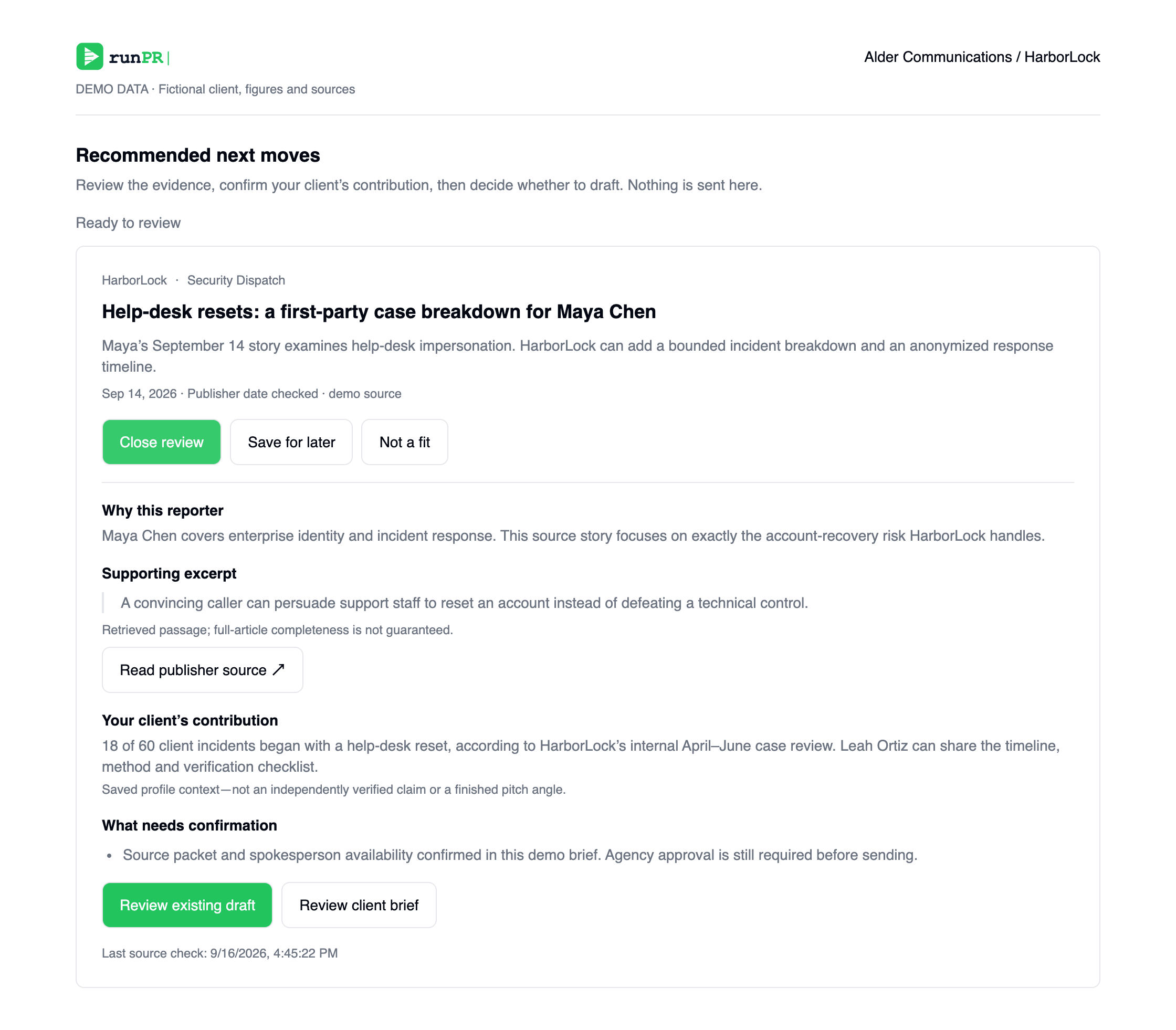
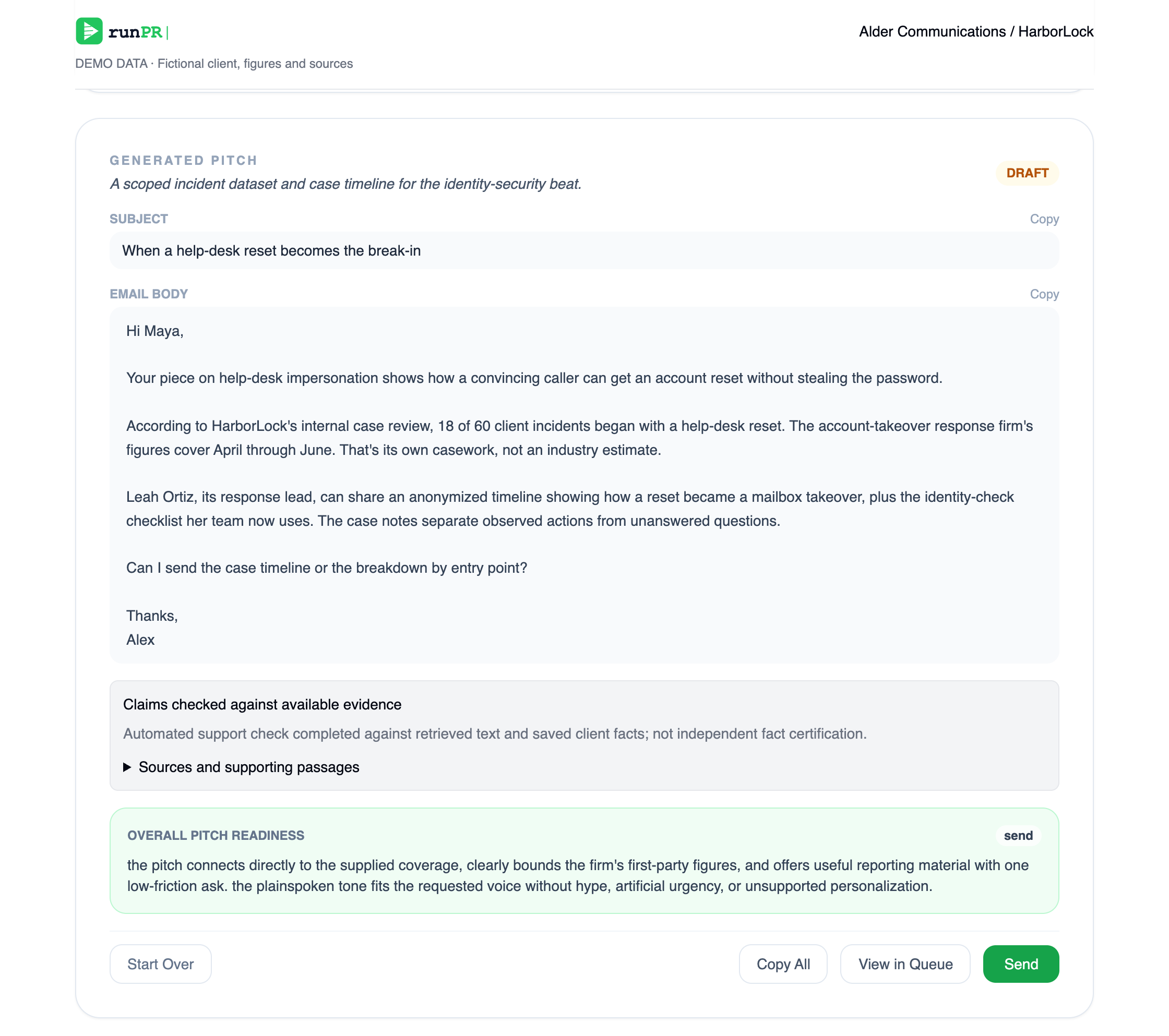
Develop the pitch. Keep the judgment.
Use the client’s expertise and available reporting to develop a draft. Inspect the feedback and factual support. Your team decides what is ready; approval alone does not send.
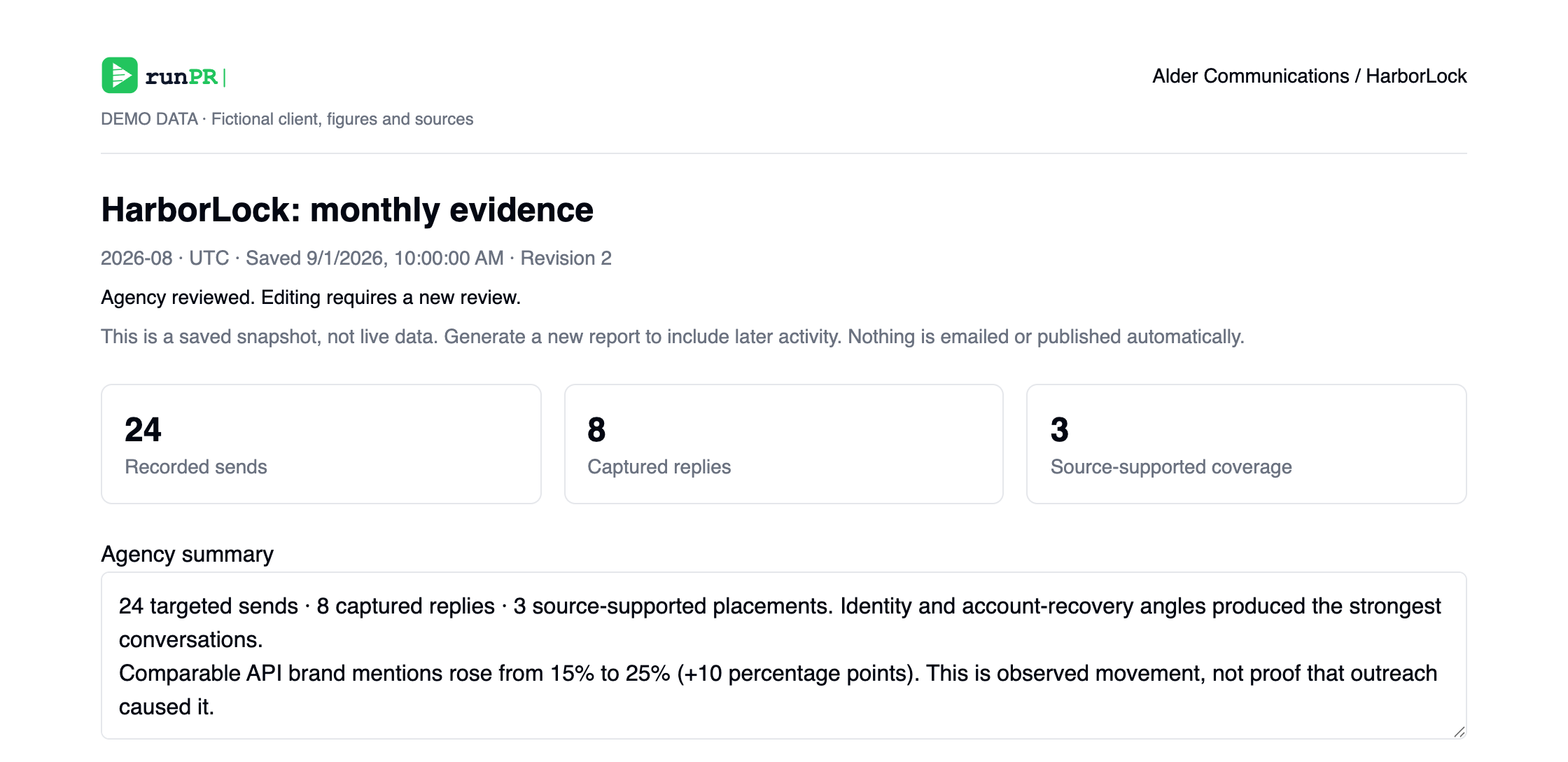
Show clients the work
Select a client and month. Keep outreach, captured replies, source-supported coverage and comparable visibility separate. Add your summary, approve the saved report and export. Nothing is shared automatically.
Put the research to the test.
Enter a client’s website and inspect the preview before choosing a plan. Your client knowledge gives the research its context.